


Let’s say you run a mid-sized landscaping company in Dallas, Texas. You just spent $2,500 to get a beautiful promotional flyer included in a Valpak direct mail envelope sent to 10,000 local homeowners.
Over the next two weeks, you get three phone calls and five new website sign-ups.
Now, the million-dollar question: Did those new leads come from your expensive $2,500 mailer, or did they just find you on Google?
If you used a plain website link or a standard static QR code, you are completely flying blind. You have no idea what your Return on Investment (ROI) is. But if you used a dynamic QR code, you would have an exact, real-time dashboard telling you exactly how many people pulled their phones out and scanned that specific flyer.
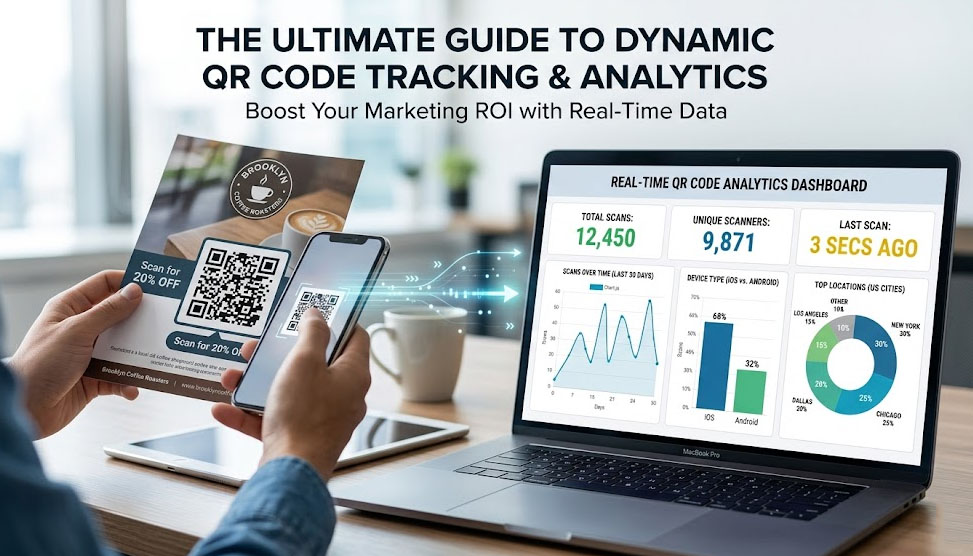
Welcome to the magic of dynamic QR code tracking. In this guide, we are going to break down exactly what data you can track, why it matters, and a pro-level trick to integrate it with your Google Analytics.
What Exactly Can a Dynamic QR Code Track?
Because a dynamic QR code routes users through a secure redirect server before sending them to your final website, that server acts like a digital tollbooth. It quietly logs anonymous data about the scan in milliseconds.
When you log into a professional dashboard, here is the data goldmine you should be looking at:
1. Total Scans vs. Unique Scanners (The Most Important Metric)
This is where most beginners get confused.
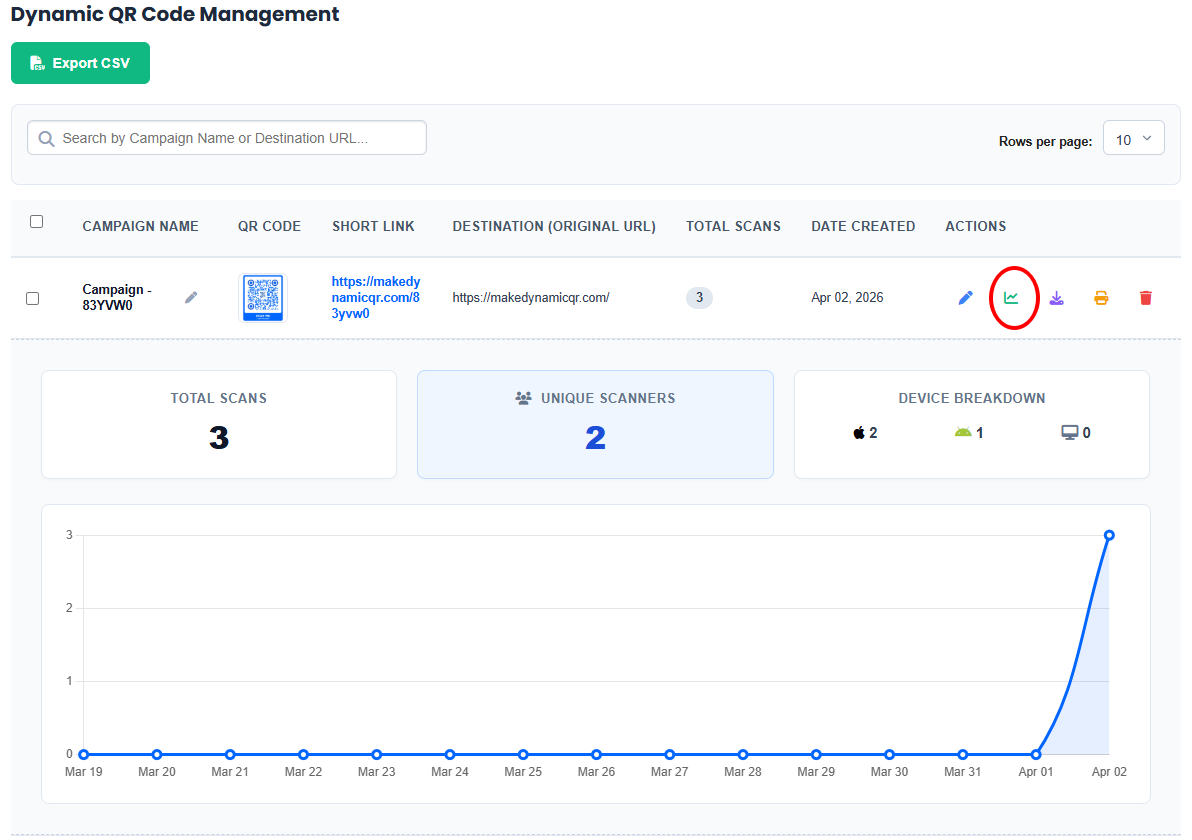
- Total Scans: How many times the code was scanned in total.
- Unique Scanners: How many individual devices scanned the code.
Why does this matter? Imagine you put a QR code on a table tent at a restaurant. If you see 100 Total Scans but only 2 Unique Scanners, it means two kids probably got bored and scanned your code 50 times each. If you see 100 Total Scans and 98 Unique Scanners, you know your marketing is actually reaching a wide audience.
2. Operating System & Device Type
Are your scanners using Apple iOS or Android? Are they on mobile phones or scanning from a tablet/PC webcam?
Real-world application: If you are promoting a new mobile app, and your dashboard shows that 85% of your scans come from iPhones, you know you need to focus your ad spend on the Apple App Store, not Google Play.
3. Time and Date of Scans
Tracking the exact timestamp of scans reveals consumer behavior. If you place a QR code in a subway station, do people scan it during their morning commute (8:00 AM) or on their way home (5:30 PM)? Knowing this helps you time your follow-up email campaigns or retargeting ads perfectly.
Pro-Level Trick: Combine QR Tracking with UTM Tags
Here is an advanced strategy that most marketing blogs won’t tell you.
Your dynamic QR code dashboard gives you amazing data about the scan itself. But what happens after they land on your website? Do they buy something, or do they immediately close the page?
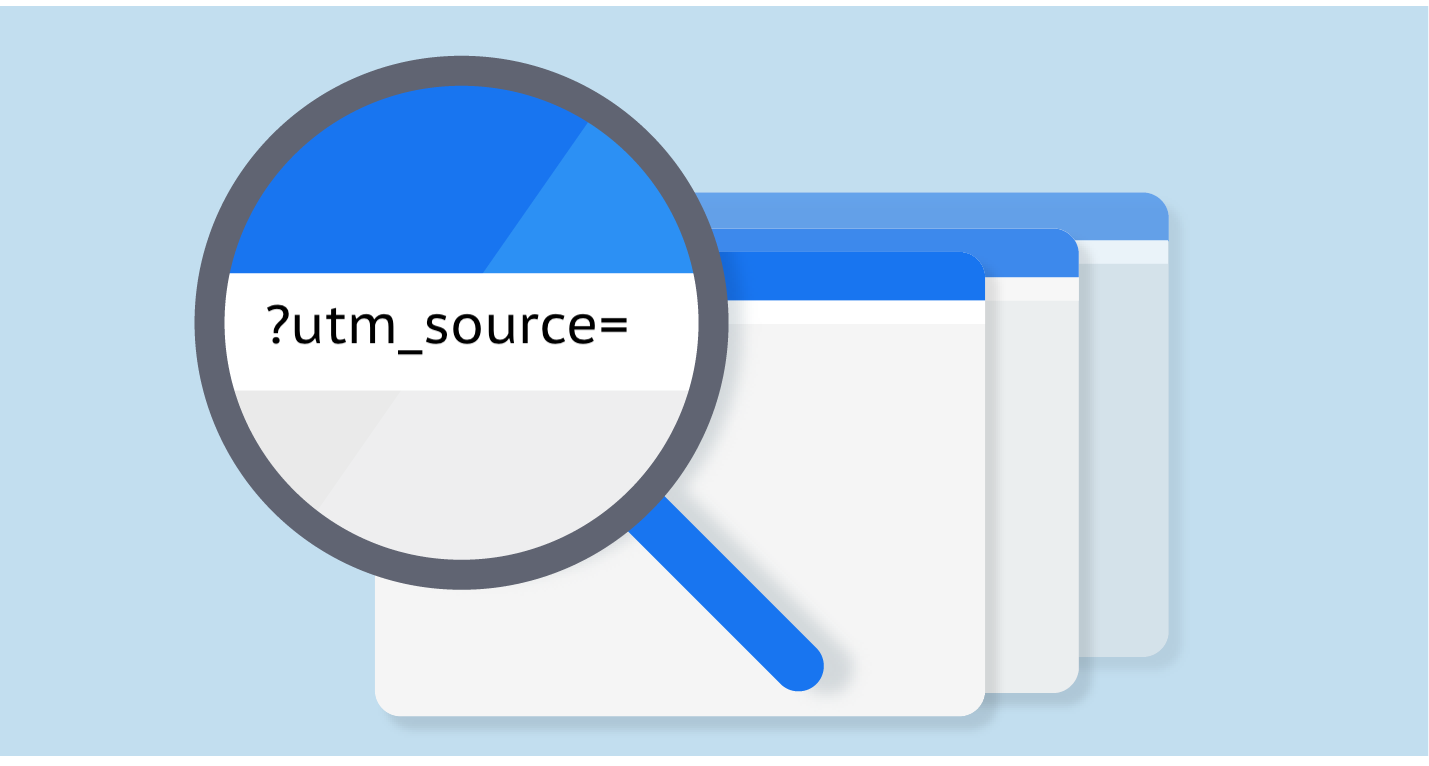
To track the entire customer journey, you should use a UTM Tag (Urchin Tracking Module). Instead of putting your plain website link (www.yourstore.com/shoes) into the QR generator, use a free Google Campaign URL Builder to create a tagged link like this:
www.yourstore.com/shoes?utm_source=qr_code&utm_medium=print&utm_campaign=dallas_mailer
Now, generate a dynamic QR code for that long, tagged URL.
When a customer scans the code, your QR dashboard logs the physical scan, AND your Google Analytics logs exactly what that person did on your website. You now have complete, end-to-end attribution.
The Hidden Costs of Tracking (And How to Avoid Them)
Now for the hard truth about the QR code industry. Building the server infrastructure to track thousands of scans in real-time is expensive.
Because of this, 90% of the QR code generators on Google will charge you a hefty monthly fee (usually $15 to $50 per month) just to view your analytics dashboard. Worse, some “free” plans will artificially limit your tracking data—they might only show you the first 100 scans and then blur out the rest of the chart until you input your credit card.
If you are an agency running campaigns for clients, or a small business trying to watch your margins, you shouldn’t have to pay a subscription fee just to see your own data.
The 100% Free Tracking Solution
This is why we created MakeDynamicQR. We provide a fully featured, enterprise-grade analytics dashboard completely free of charge.
When you create an account with us, you get:
- Unlimited Scan Tracking: We never cap your data.
- Beautiful Visual Charts: See your metrics plotted clearly on an interactive timeline.
- Zero Subscription Fees: No premium tiers, no hidden paywalls.
Stop guessing if your offline marketing is working. Bring the precision of digital analytics to the physical world.