


Let’s be brutally honest about traditional networking. You attend a massive industry conference in Las Vegas. You hand out 100 beautifully embossed, heavy-stock paper business cards.
What happens to them? About 10% end up stuffed in the bottom of a laptop bag. Another 10% go through the washing machine in a pants pocket. The other 80% go straight into the hotel trash can.
Even if someone actually wants to save your information, forcing them to manually type your name, phone number, email, and LinkedIn URL into their phone is a massive friction point. In modern business, if you aren’t instantly in their phone’s contact list, you don’t exist.
The ultimate networking hack is the vCard QR Code. Here is how to digitize your networking, look like a tech-savvy professional, and never pay for a reprinted batch of obsolete paper cards again.
What is a vCard QR Code?
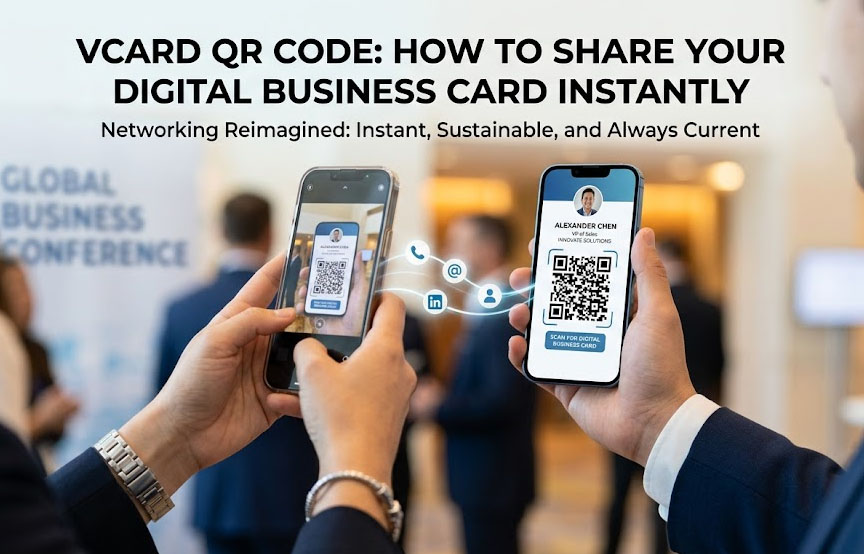
A vCard (Virtual Contact File) is the standard file format for electronic business cards. When you generate one, it encodes all your professional details into a scannable square.
When a potential client points their iPhone or Android camera at the code, it doesn’t just send them to a website. Instead, a prompt drops down from the top of their screen that says “Add to Contacts.” With one single tap, your face, name, company, phone number, and email are permanently saved into their phone’s address book.
The “Static vs. Dynamic” vCard Trap (Don’t Make This Mistake)
If you Google “free vCard generator,” you will find dozens of sites that let you type in your info and download a QR code. But 95% of these are Static QR Codes.
Why is a static vCard a disaster waiting to happen?
Because the actual text of your phone number and email is hard-coded into the pixels of the image. If you get a promotion and change your job title from “Sales Rep” to “VP of Sales,” or if you switch to a new phone number, that QR code is permanently outdated. You have to throw away all your printed materials.
The Solution: The Dynamic vCard
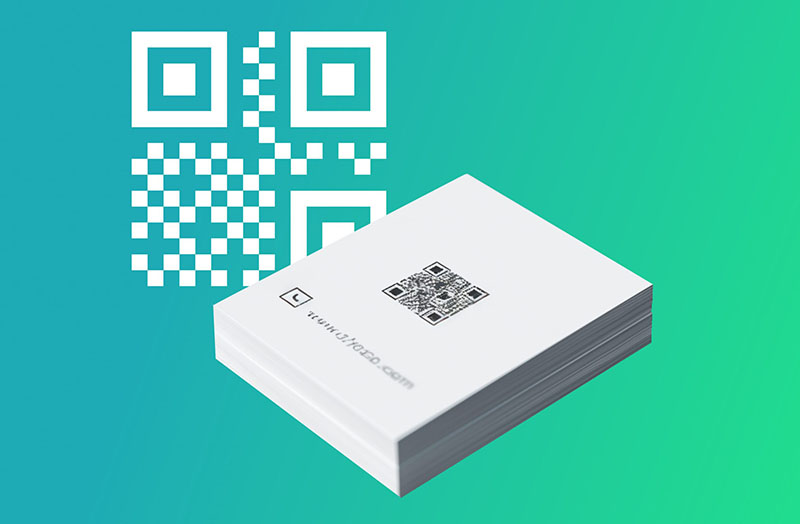
Smart professionals use a Dynamic QR Code that points to a hosted digital business card (often called a vCard Plus or a Mobile Profile).
Because the QR code only holds a redirect link, you can log into your dashboard at any time and update your profile. Did you just launch a new podcast? Add the link to your profile. Did you switch companies? Update your logo.
The physical QR code printed on the back of your phone case or on your smart-networking card never has to change.
How to Use Your vCard QR Code in the Real World
Once you generate your code, where should you put it? Here is what top-producing real estate agents and consultants are doing right now:
- The Lock Screen Wallpaper: Save the QR code as your phone’s lock screen. At a networking event, just wake up your phone, hold it out, and let the other person scan it. No paper required.
- The Back of Your Phone: Print a small, high-quality sticker of the code and place it on your phone case.
- Email Signatures: Add the code to your corporate email signature so clients can instantly pull your contact info from their desktop monitor into their mobile phone.
- Zoom Backgrounds: Paste the code in the corner of your virtual meeting background. Attendees can scan your screen during the presentation to save your info.
- Real Estate Signage: Place it on “For Sale” riders so drive-by buyers can instantly save the listing agent’s direct line.
Skip the Expensive Subscription Fees
Digital business card companies have exploded recently. Many of them will try to sell you a “smart NFC card” and force you into a $10 to $15 monthly subscription just to keep your dynamic vCard profile active.
You do not need to pay a subscription to share your own contact info.
At MakeDynamicQR, we built our Dynamic QR Code Generator to give you the tools you need to create, manage, and track your dynamic codes for absolutely free. Whether you want to route a code to a free Linktree profile, a hosted vCard file on Google Drive, or your LinkedIn page, our platform handles the dynamic routing without ever asking for your credit card.